Write a Cover Letter That Doesn't Read Like a Template
An AI writing assist that tailors your letter to the actual job description, a distraction-free editor, and one-click export to Word — free.
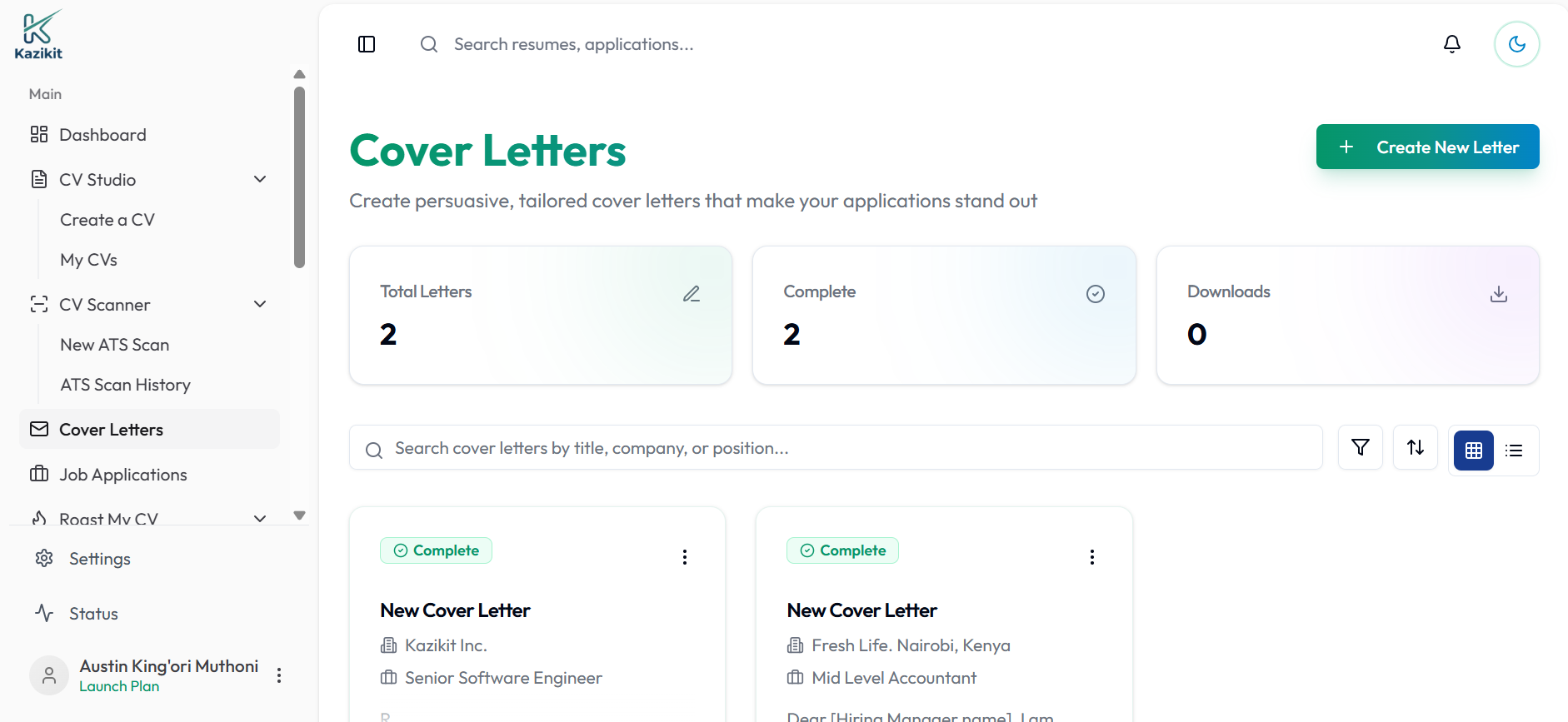
Illustrative example — your real dashboard reflects your own cover letters.
How it works
Pick a job you're applying to and start from a blank page or a draft.
Pull up the AI drawer any time to rewrite a paragraph or tailor it to the job description.
Download as a Word document, or turn on a shareable public link instead.
Built to actually get read
The AI drawer sits beside your document, not in a separate chat — tighten a paragraph or match the job description's language without breaking your flow.
Export to Word (.docx) when you're done — no formatting to fix afterward.
Turn on a public link for any letter and share it as a URL instead of an attachment.
Frequently asked questions
How is this different from a cover letter template?
A template gives you a static starting point you still have to adapt yourself. This editor has a built-in AI assist you can call on while writing — to tighten a paragraph, adjust tone, or tailor a section to the specific job description — without leaving the document.
Can I download my cover letter as a Word document?
Yes — export to .docx in one click once you're done editing.
Can I share a cover letter without sending a file?
Yes — turn on the public link for a cover letter and share it as a URL instead of an attachment.
Is the cover letter builder free?
Yes, you can write and export a cover letter without paying. Create a free account to get started.